How do I Connect my Pinterest business account to NicheTrafficKit?
Written By Kevinson Libama
Last updated Over 1 year ago
Step 1: Check Pinterest Account Type
Log into Pinterest and go to Settings
Verify you have a "Business Account" (not Personal)
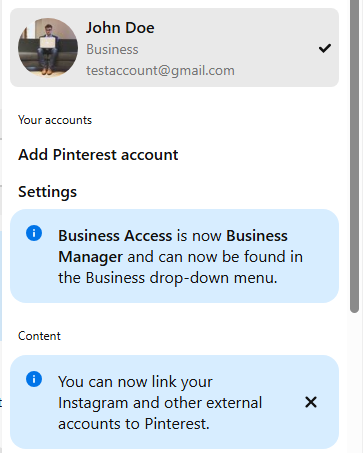
If you have a Personal account, convert it to Business (free process)
Step 2: Connect to Pinterest from the NicheTrafficKit Dashboard
1. Go to your NicheTrafficKit dashboard
2. Click on the Settings from the left pane.
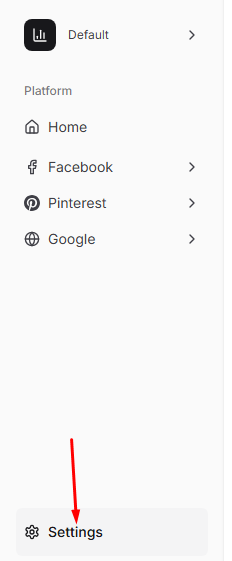
3. Scroll the page until you see the Connect to Pinterest button under External Connections
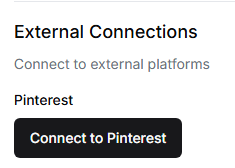
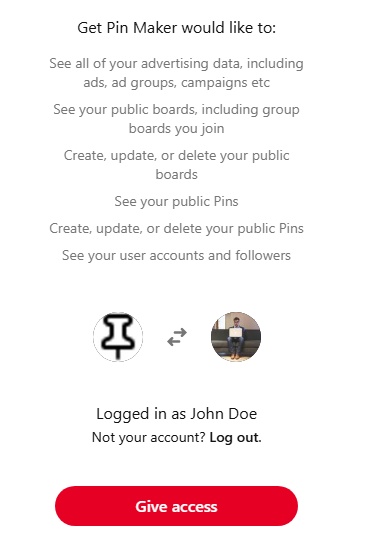
4. Click the Connect to Pinterest button, and follow the prompts until the connection completes.
Was this helpful?
Still need help? Share an idea